When you select a section or block, the Selection tab shows its styling controls, grouped so you can find what you need quickly. Every change previews live on the canvas.
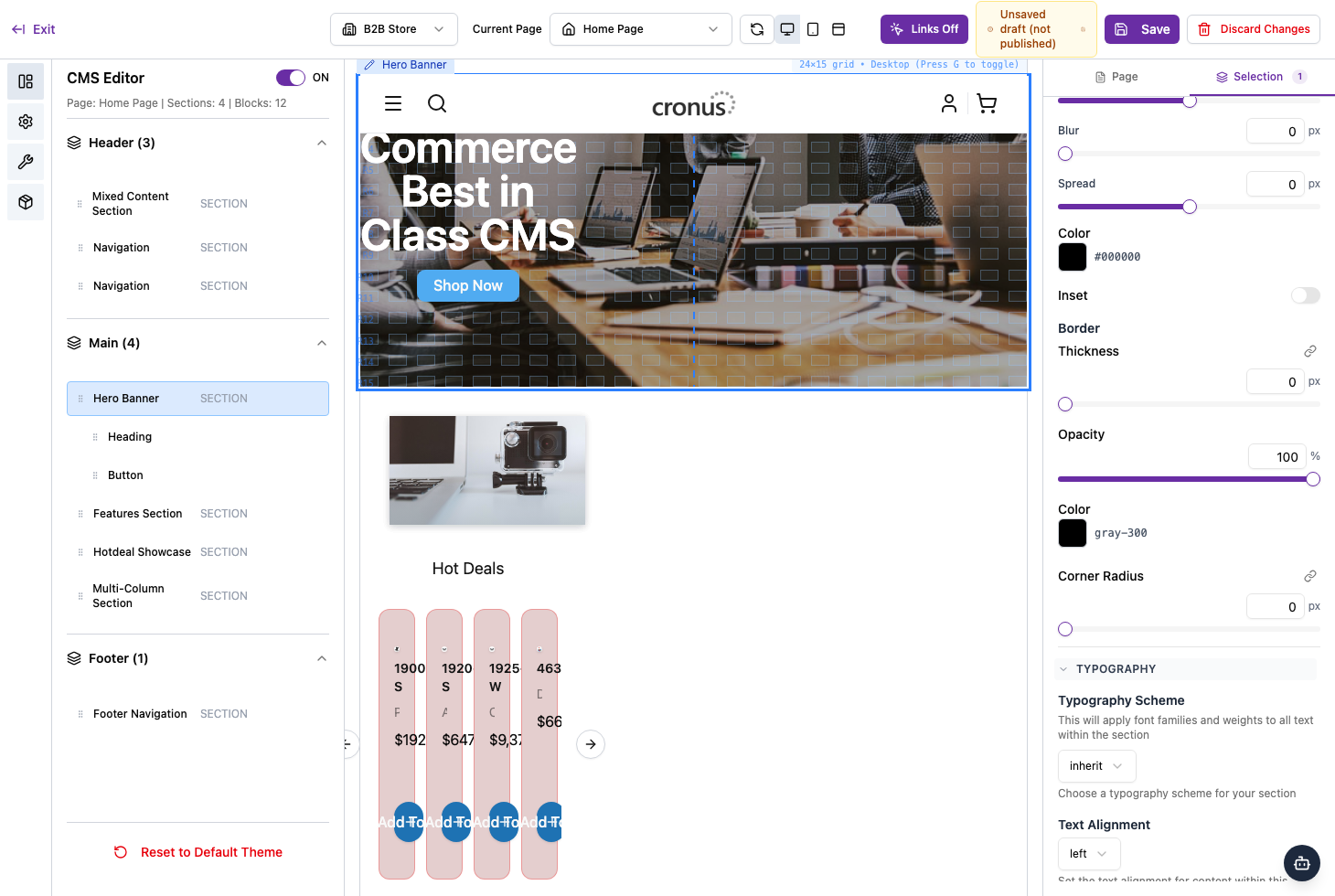
The style groups
- Grid — how content is arranged and aligned within the section.
- Appearance — the colour scheme, box shadow, and border.
- Typography — text settings such as alignment, size, and weight.
- Layout — how the element is laid out on the page.
- Background — the section’s background.
- Spacing — the padding and margins around the content.
Tips
- Use Deselect Component to clear your selection when you’re done.
- Switch the device preview to desktop, tablet, and mobile to check your styling looks right on each.
- Changes are a draft until you Save, so it’s safe to experiment.