Two settings control the size and weight information your store uses to calculate shipping: the packaging method and each product’s item settings.
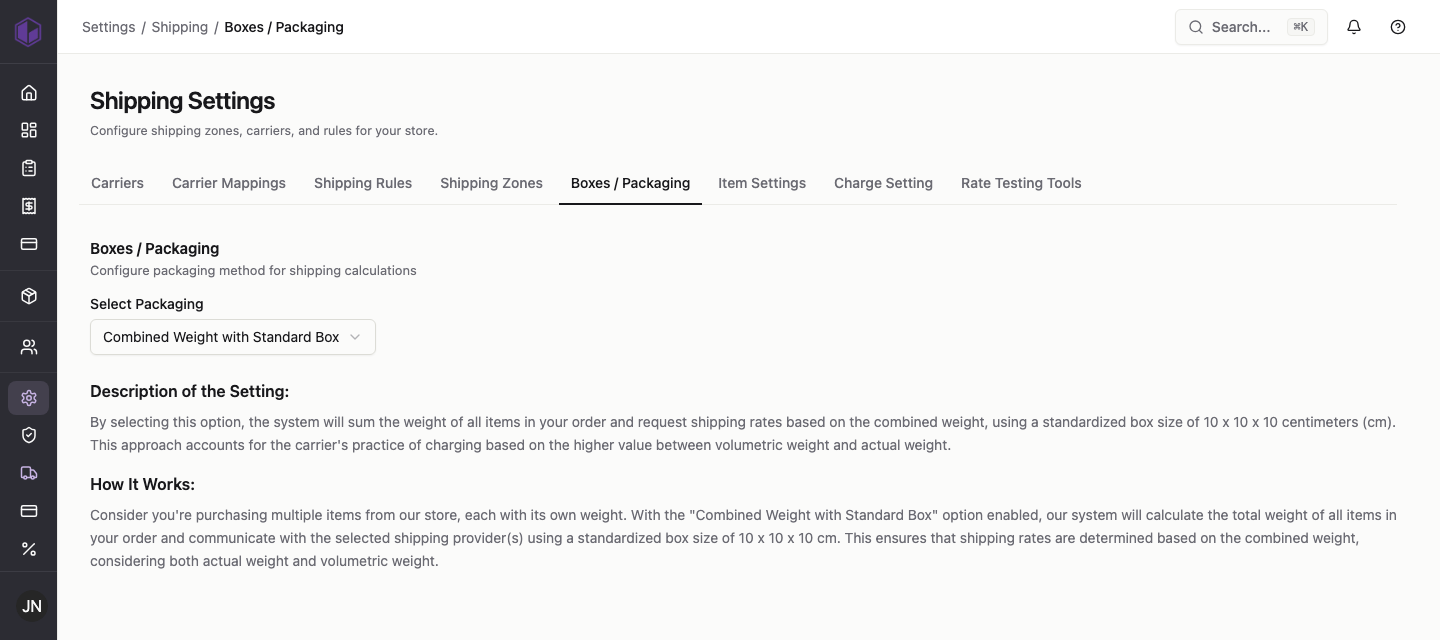
Boxes / packaging
Go to Settings › Shipping › Boxes / Packaging and choose a packaging method. For example, Combined weight with standard box adds up the weight of every item in the order and requests rates using a standard box size, taking into account both the actual weight and the volumetric (size-based) weight that carriers charge on.
Item settings
Go to Settings › Shipping › Item Settings to set the size and weight of individual products, which feed into rate calculation. Search for an item, choose the unit, and enter its dimensions and weight.
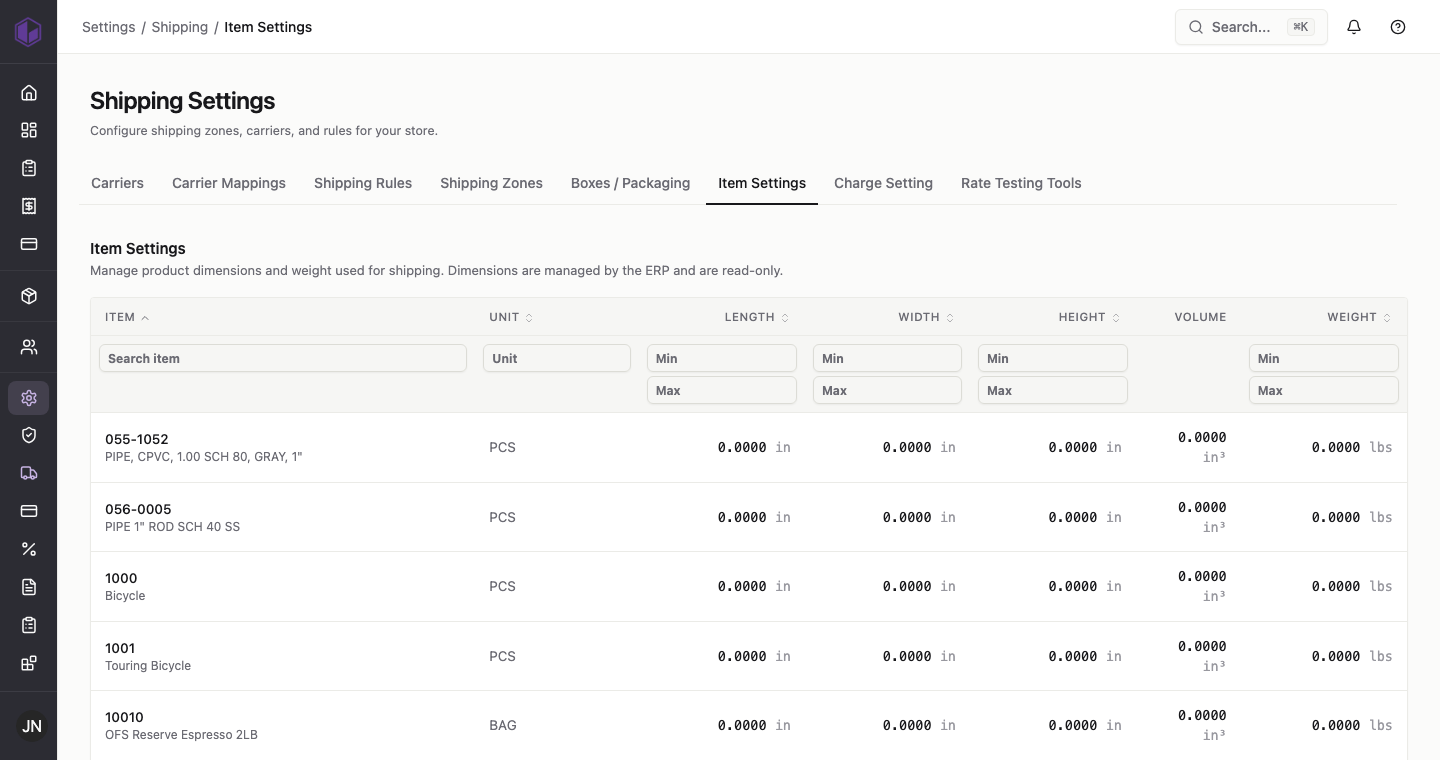
Accurate item sizes and weights lead to more accurate shipping quotes, so it’s worth keeping these up to date for the products you ship most.