The charge setting controls how the shipping charge on an order is recorded in your ERP.
Steps
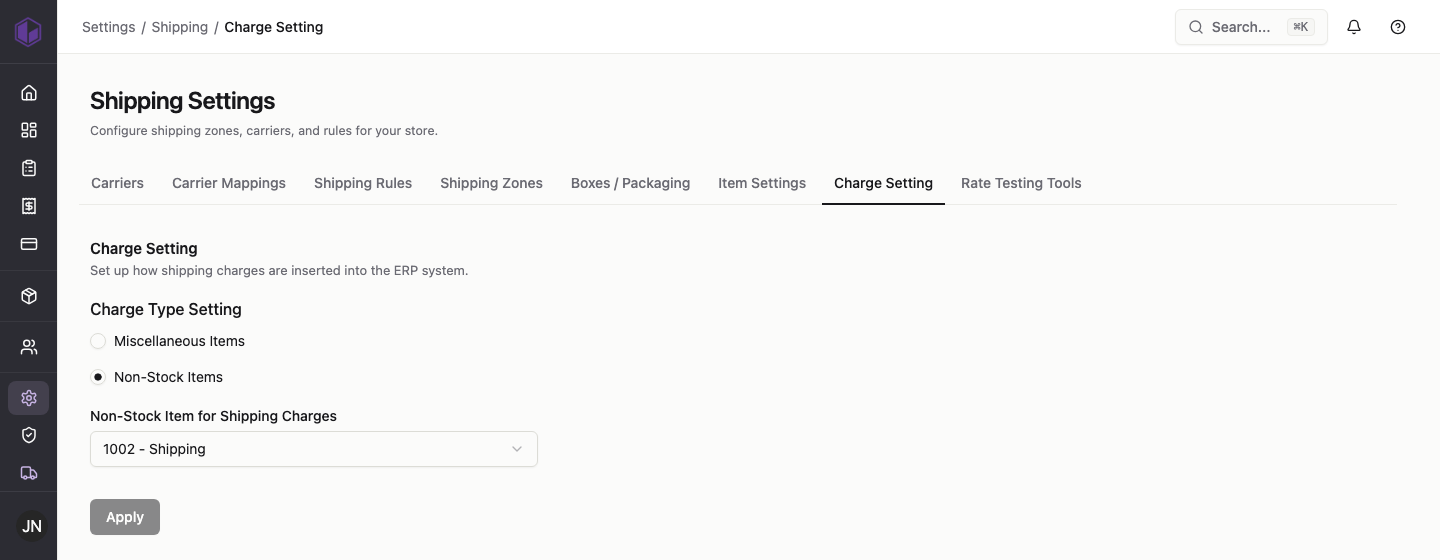
- Go to Settings › Shipping › Charge Setting.
- Choose a charge type: Miscellaneous Items or Non-Stock Items.
- If you choose Non-Stock Items, pick the item code used for shipping charges (for example, 1002 – Shipping).
- Click Apply.
This is usually set once to match how your ERP is configured. If you’re not sure which option to use, check with whoever manages your ERP.