A shipping zone is a geographic region you ship to, such as North America or Europe. Zones let you offer the right carriers and rates to the right customers.
Steps
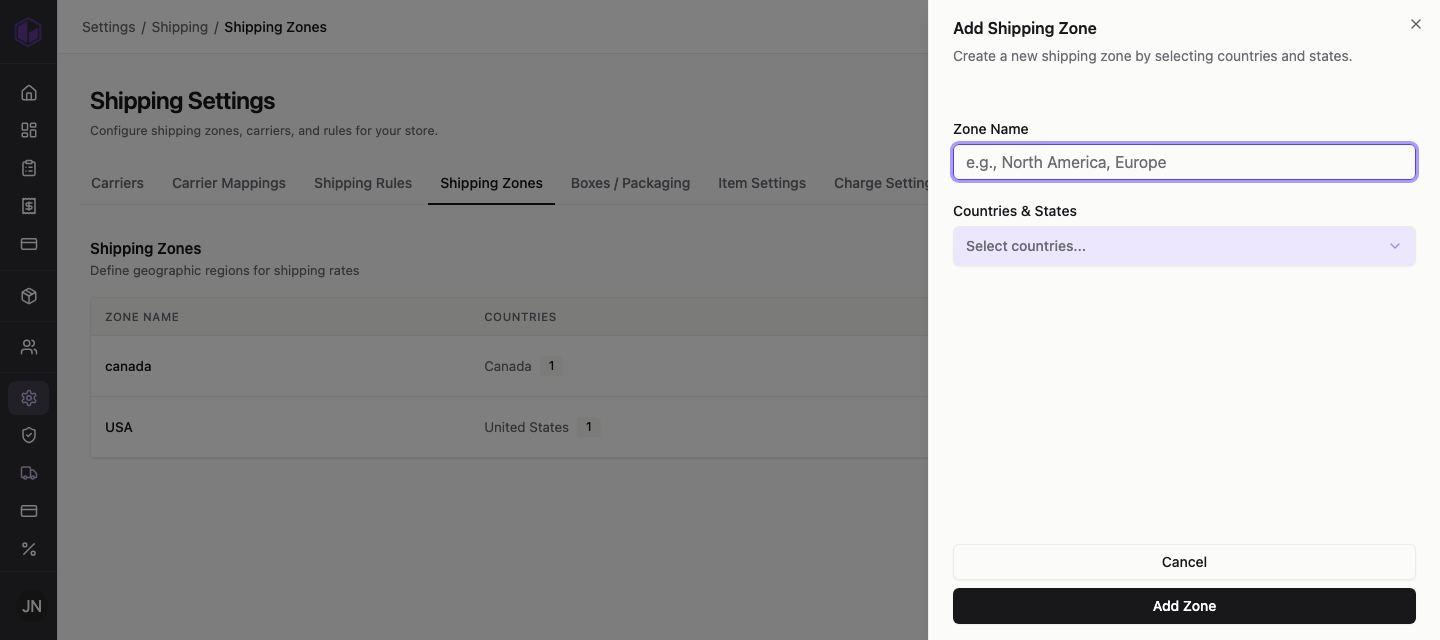
- Go to Settings › Shipping › Shipping Zones.
- Click Add Zone.
- Give the zone a clear name (for example, North America or Europe).
- Choose the countries or regions the zone covers.
- Save the zone.
You can create as many zones as you need, and edit or remove them later from the same screen.