An order promotion takes a percentage or a fixed amount off the customer’s whole order — for example, “15% off” or “$10 off orders over $50.” Here is how to set one up.
Steps
- Go to Settings › Promotions and click Add Promotion.
- Leave Promotion Type set to Order Promotion.
- Set Method to Promo Code and type the code your customers will enter (for example, SPRING15).
- Add a short Description so your team recognises the promotion in the list.
- Under Discount Value, choose Percentage or Fixed Amount and enter the number. For a percentage, enter 15 for 15% off; for a fixed amount, enter 10 for $10 off.
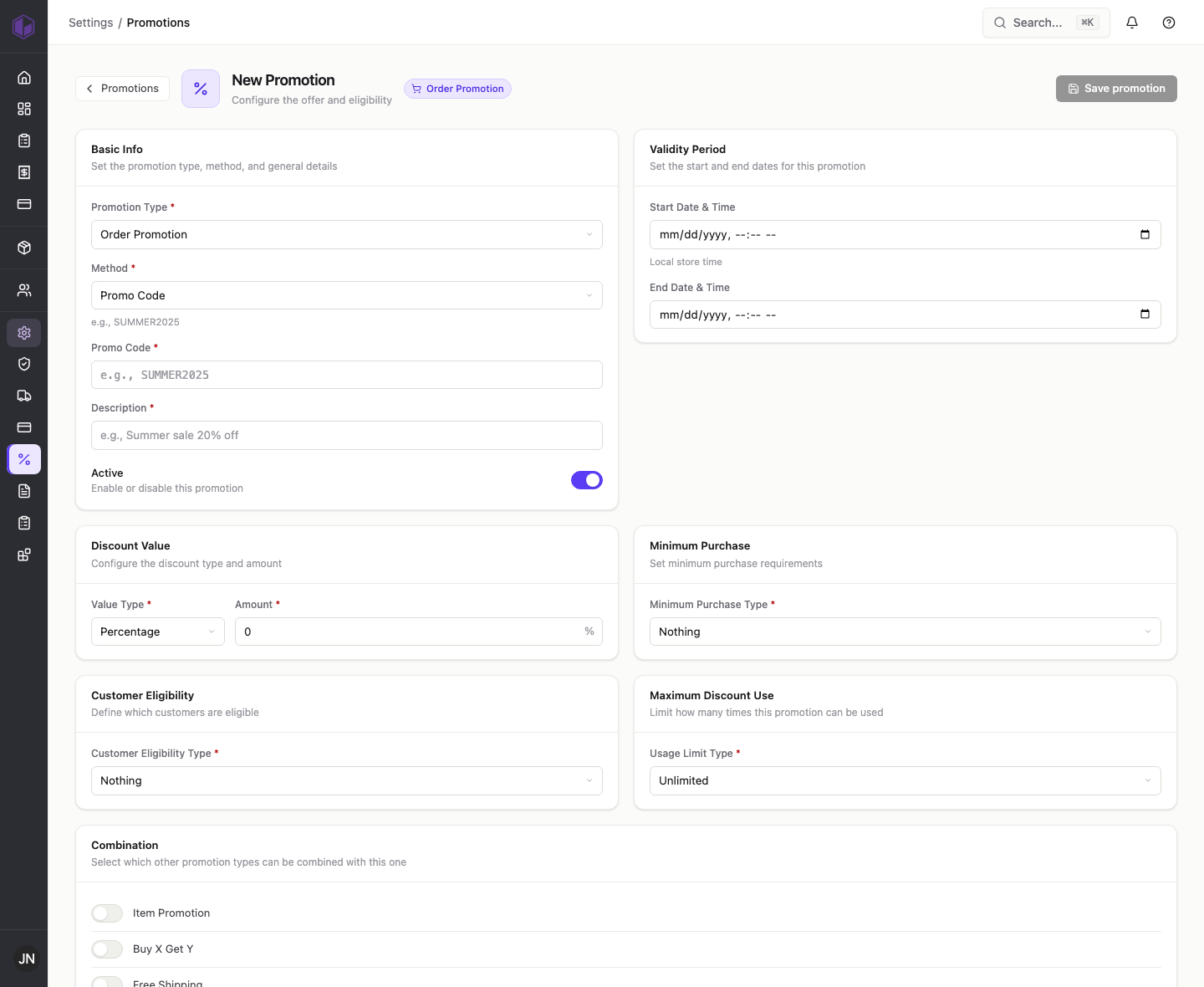
Optional settings
- Validity period — set a start and end date if the promotion should only run for a limited time. Leave blank for no end date.
- Minimum purchase — set to Purchase Amount and enter a value (for example, 50) to require a minimum spend, or Quantity Of Item to require a minimum number of items.
- Customer eligibility — leave as Nothing to offer it to everyone, or restrict it to a specific customer, customer group, or user group.
- Maximum discount use — keep Unlimited, or choose One Per User so each customer can use it once, or X Amount Of Time and enter a total number of uses.
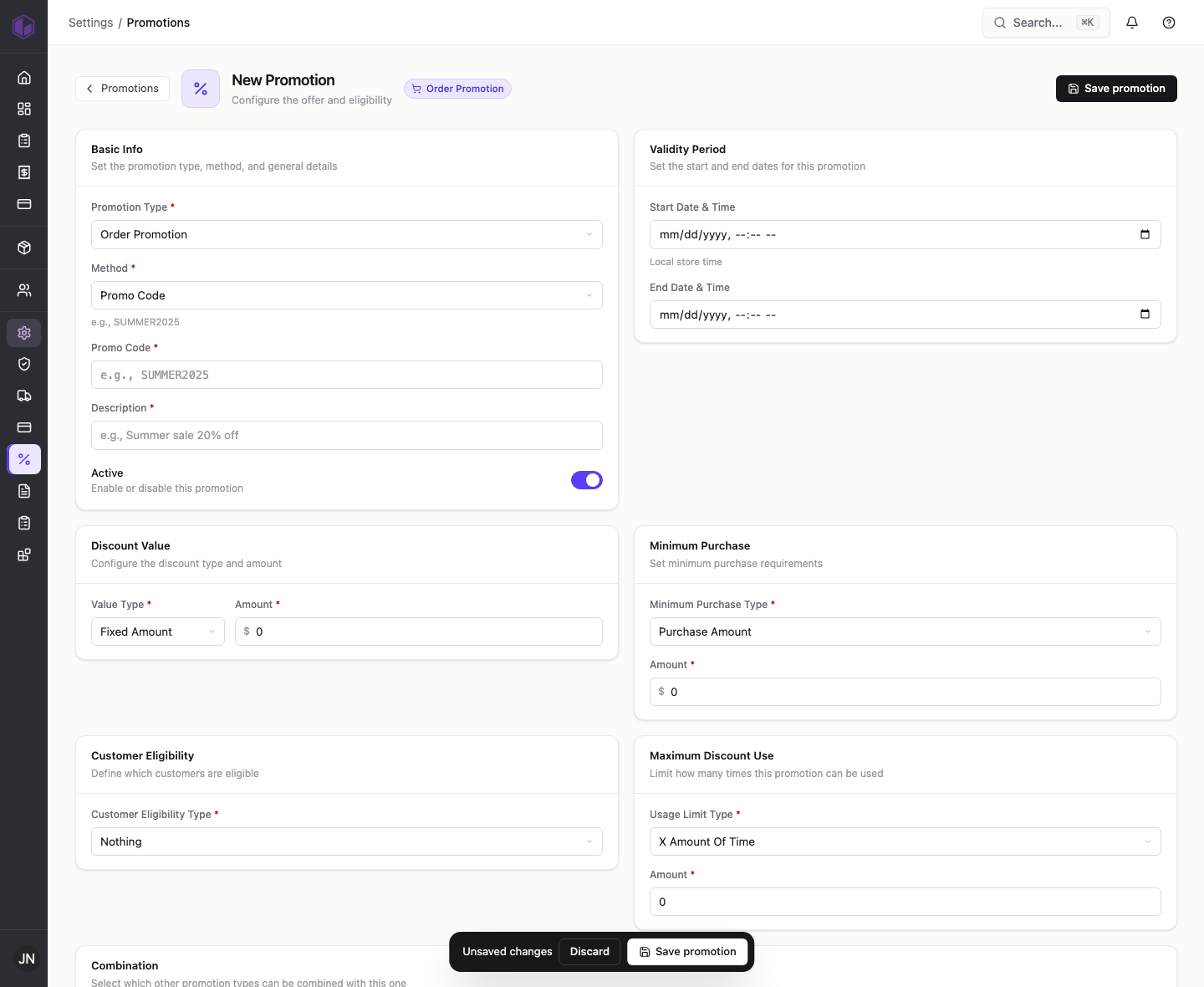
- Make sure Active is on, then click Save promotion. Your promotion appears in the list, ready to use.
That’s it — your customers can now enter the code at checkout to get the discount.
Internal notes (support team)
- Order promotions with a promo code save and behave as expected. Repros: TEST-DOC-ORDER15 (15% off), TEST-DOC-ORDER-FIXED ($10 off over $50, one per customer), TEST-DOC-BISECT-MIN (minimum purchase), TEST-DOC-BISECT-USAGE (usage limit).
- Dates display note: a start date entered as Aug 1 12:00 AM showed in the list as beginning Jul 31 — likely a local-time vs stored-time display offset. Worth confirming which time the customer actually sees. Repro: TEST-DOC-FREESHIP.
- Automatic (Auto Promo) method does not save — see the overview post’s internal notes.