The shipping rules tab is an advanced editor for custom shipping logic — for example, disabling a carrier in certain situations or overriding a quoted price.
For experienced users only. This editor exposes the raw rule file that powers all shipping quoting. A single mistake can silently break quoting for your entire store. Do not edit it unless you understand the rule syntax, and ideally involve your developer or commercebuild support. Most shipping configuration is done in the zones, carriers, mappings, and packaging screens — not here.
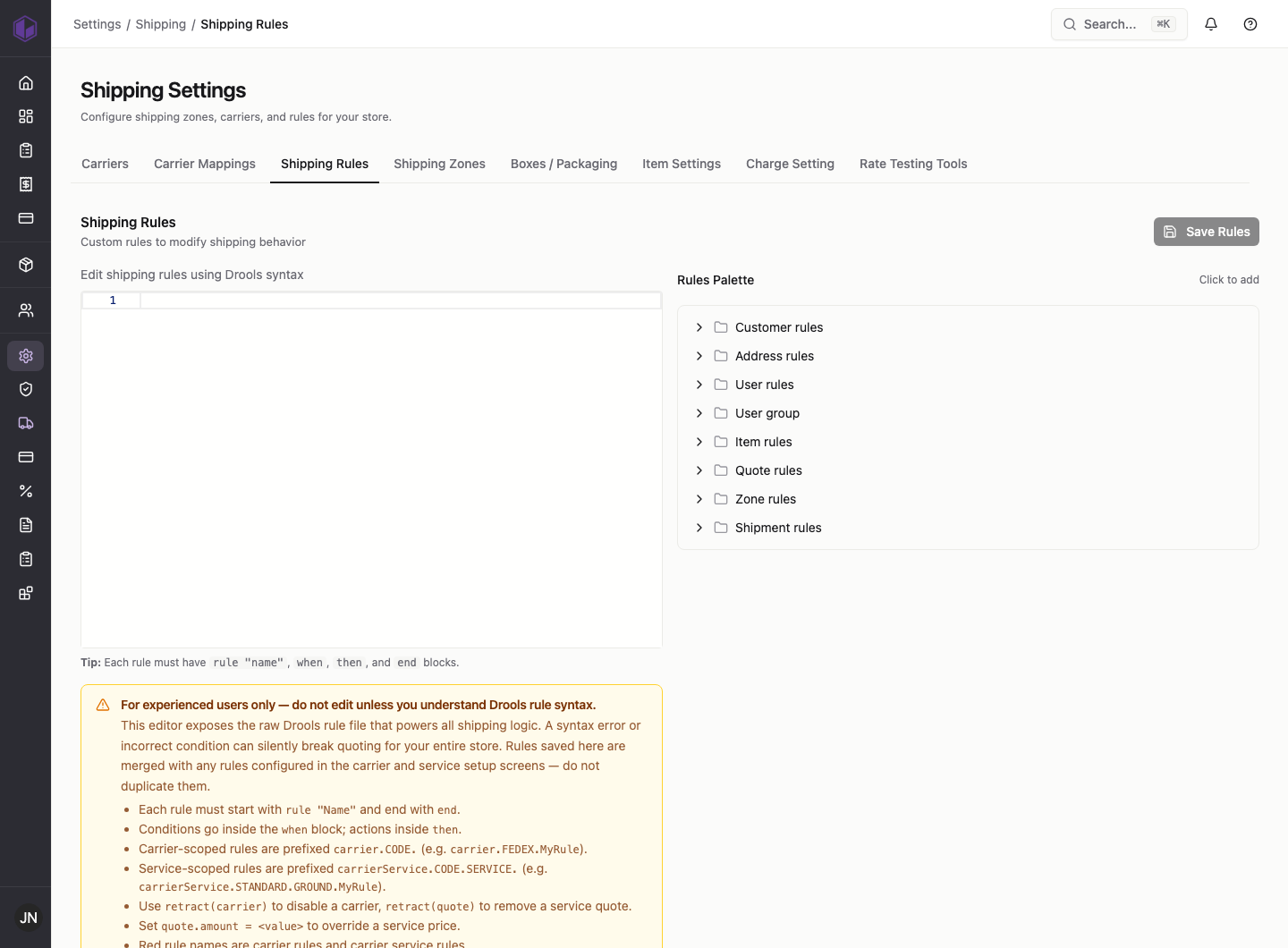
For reference, rules are organised into categories (customer, address, user, item, quote, zone, and shipment rules), and each rule defines the conditions under which it applies and the action it takes. If you have a shipping scenario the standard screens can’t handle, contact commercebuild support rather than editing this file directly.